Web
A full-featured workspace in any browser, no install required.
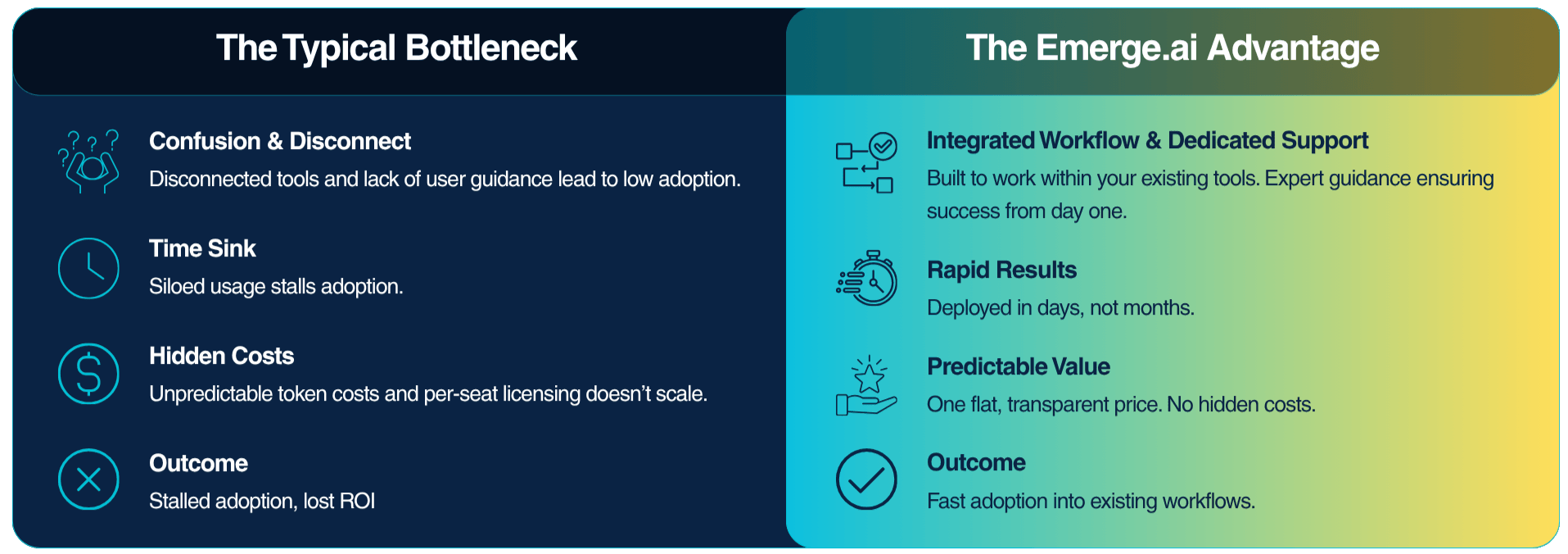
*McKinsey, AI First Organizations
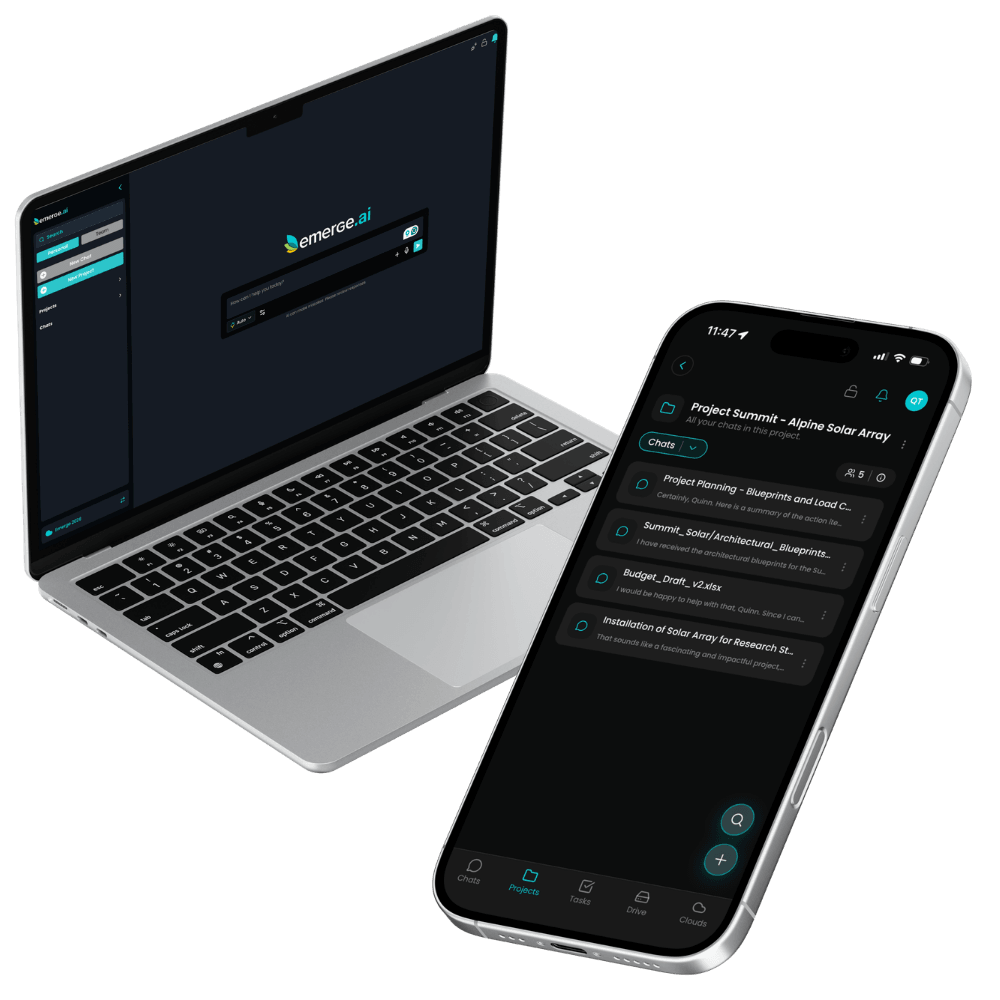
Web, desktop, mobile, on-premise and cloud.
Use Emerge.ai in any browser, on desktop, and on iPhone and Android. Teams that need AI on their own servers or in their own cloud can run Nala Edge or Leona Enterprise.
A full-featured workspace in any browser, no install required.
Simba Desktop: the full Emerge.ai experience as a desktop app, with the choice to run AI locally.
Native apps for iOS and Android keep your team productive on the go.


Deploy a dedicated Private AI Server on-site for maximum control.
Leona Enterprise runs in the cloud: AWS, Google Cloud, Microsoft Azure, or your own private cloud.
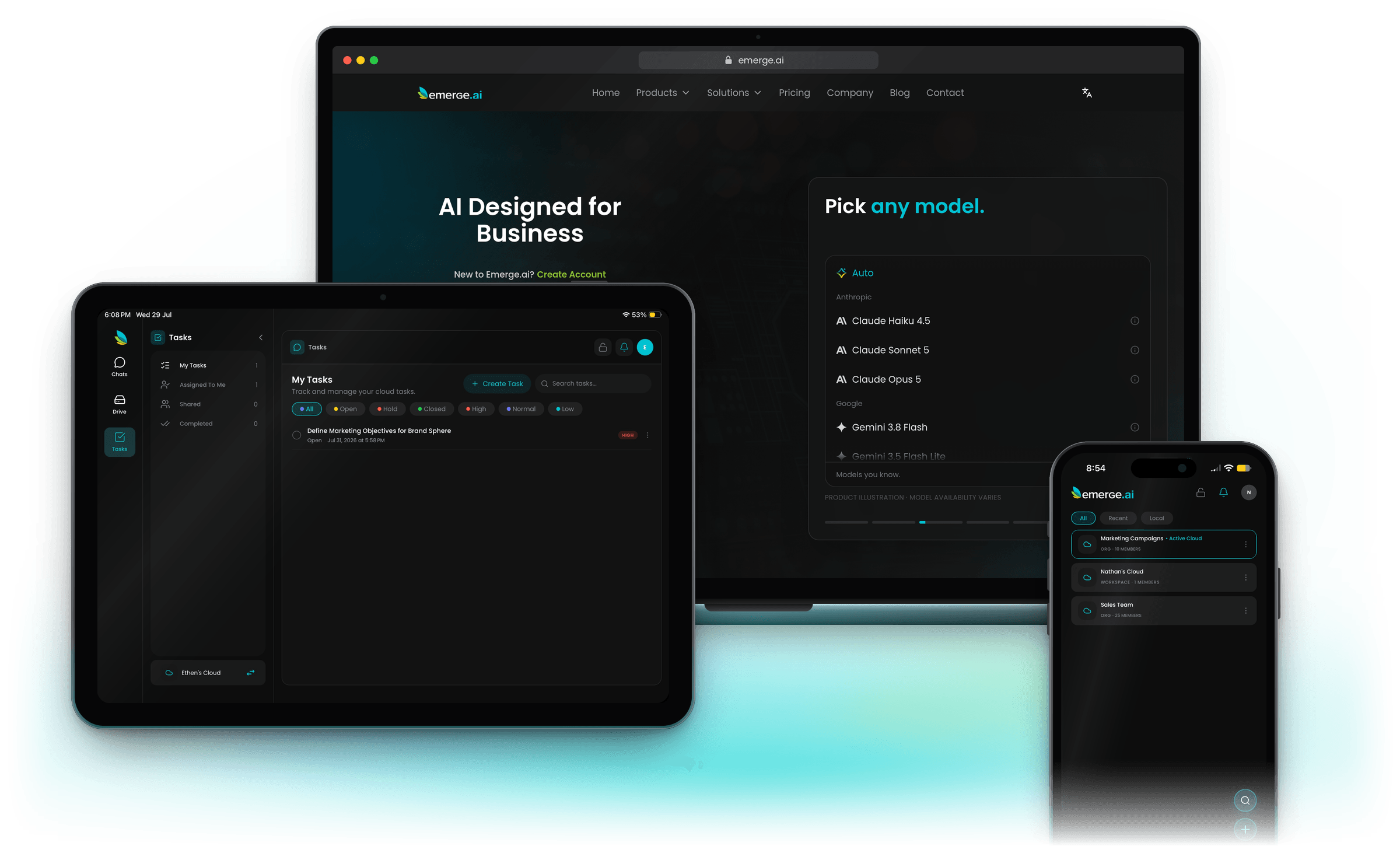
Members & Clouds designed specifically for businesses who need AI solutions. Transform your business instantly.
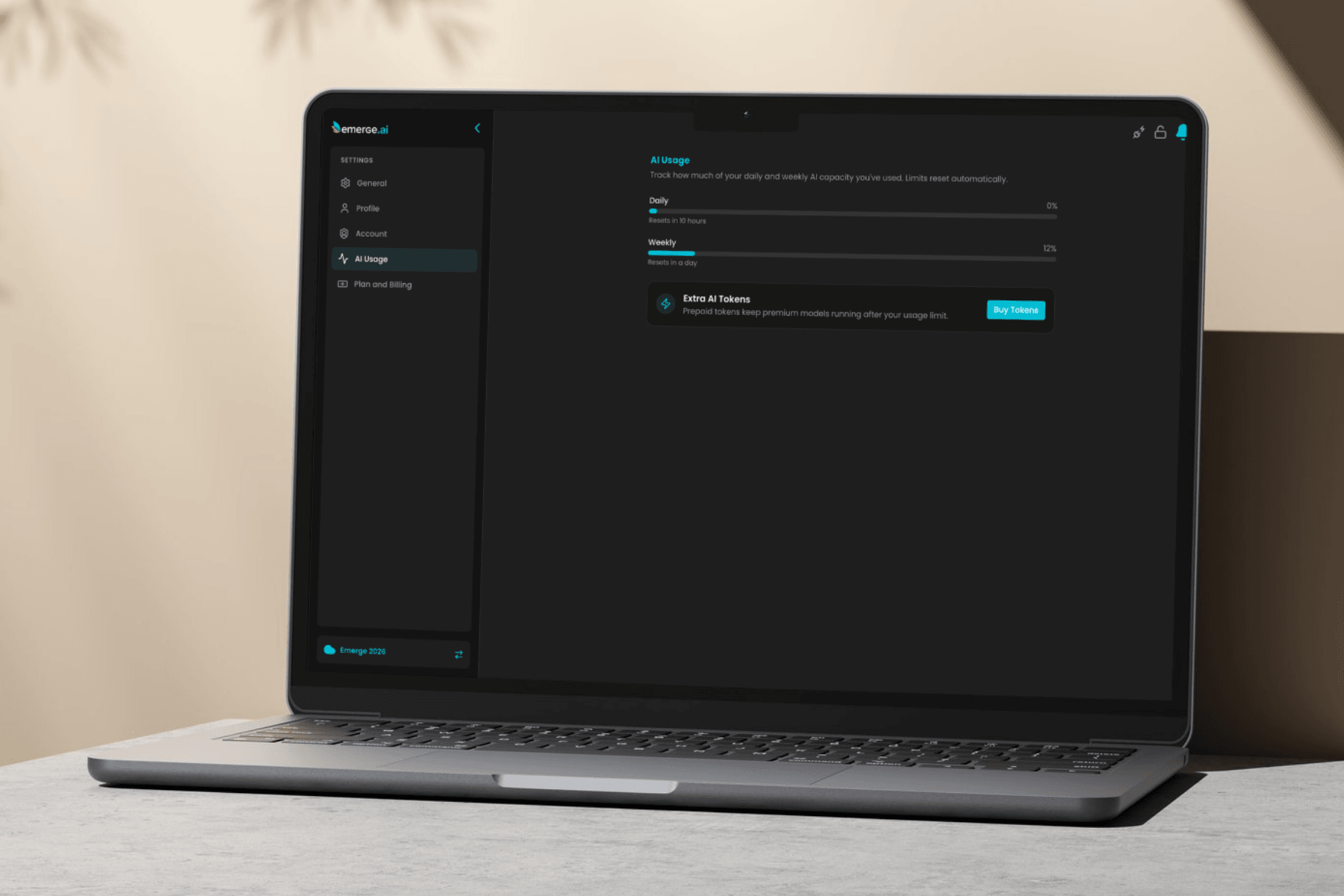
If you’re using Emerge.ai, you may notice that each account has a usage limit. Here’s a simple breakdown of what that means, how it works, and what happens if you reach it.
Read more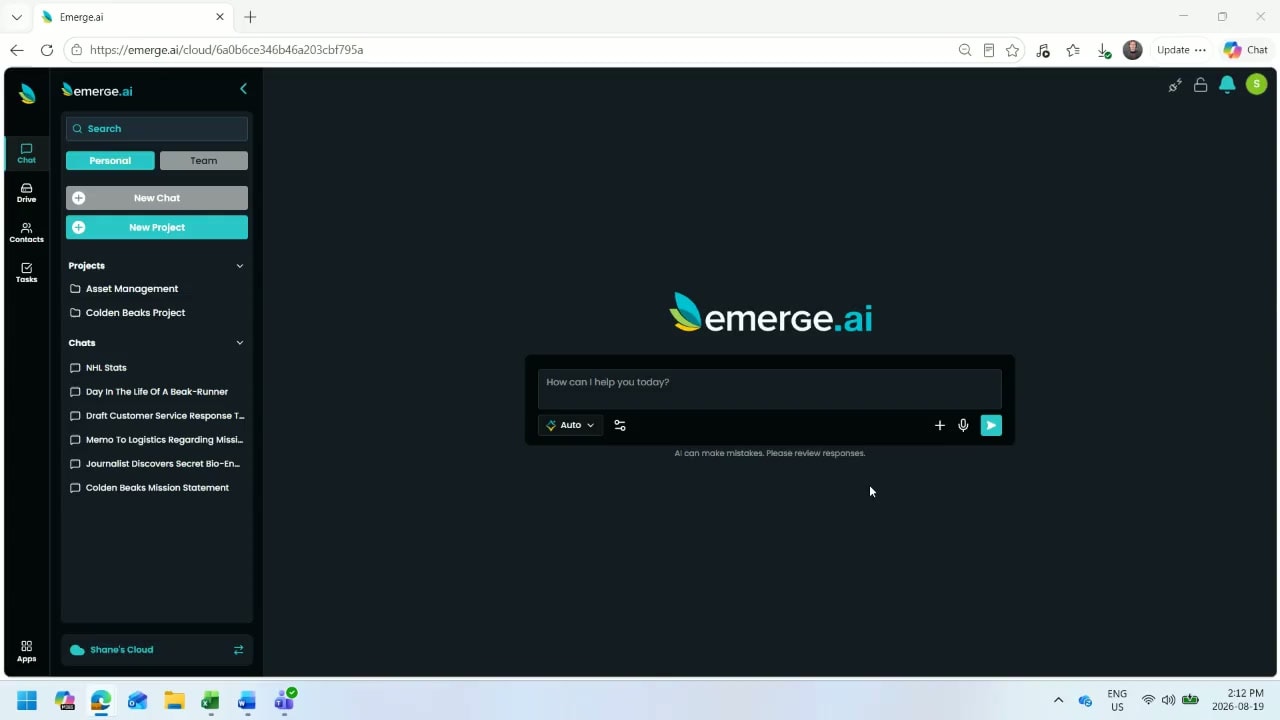
If you use Emerge.ai regularly, one of the simplest ways to get better results is to set up Instructions. Instructions are saved guidelines that shape how the AI responds. Instead of re-explaining who you are, what you do, or how you want something written every time, you can save that context once and apply it where needed.
Read more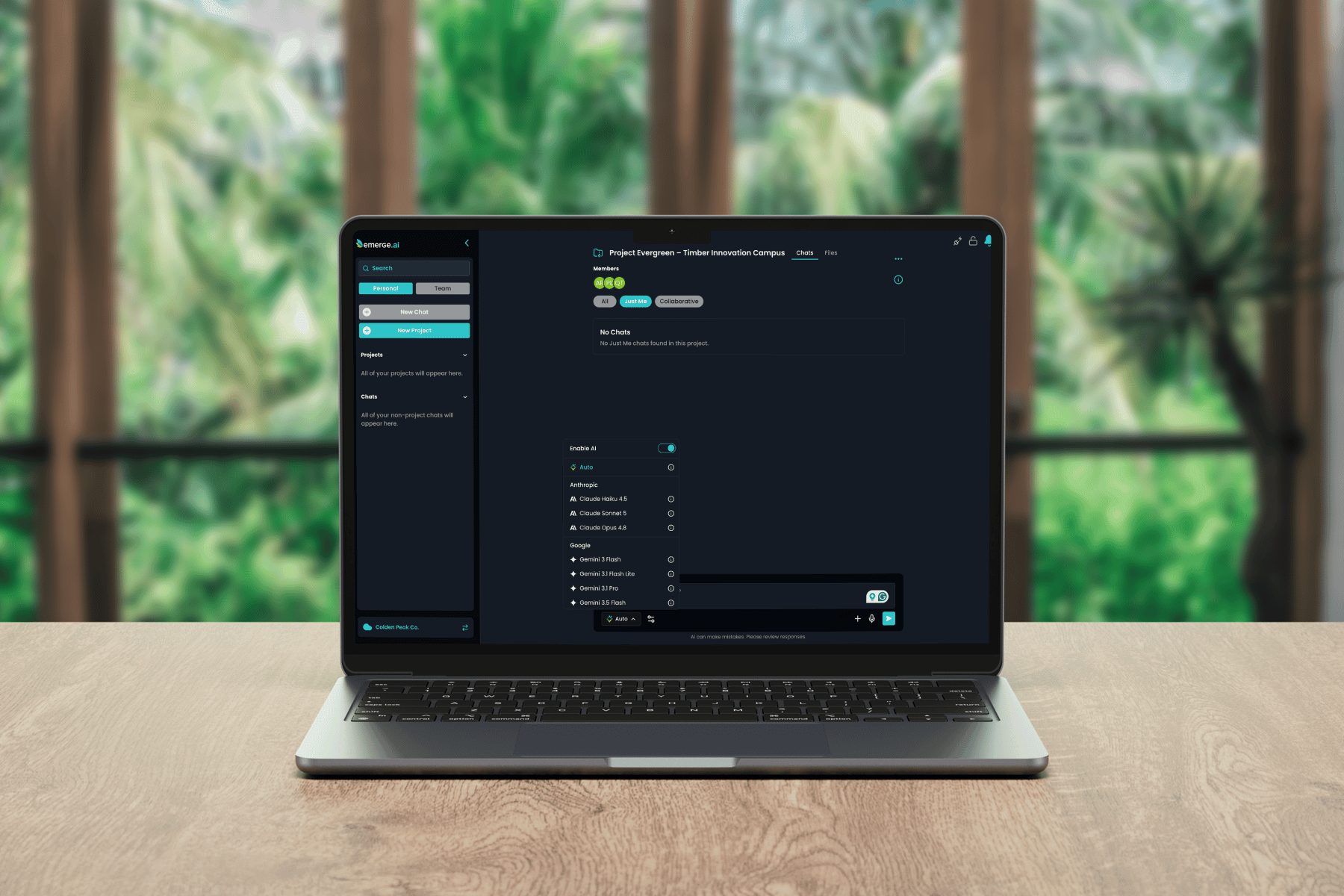
What should you do if the AI’s first response isn’t quite right? The short answer: treat it as a starting point, not the final draft.
Read more
If you’re just getting started with Emerge.ai, the fastest way to see value is simple: begin with the work you already do every day.
Read more